What's on Screen
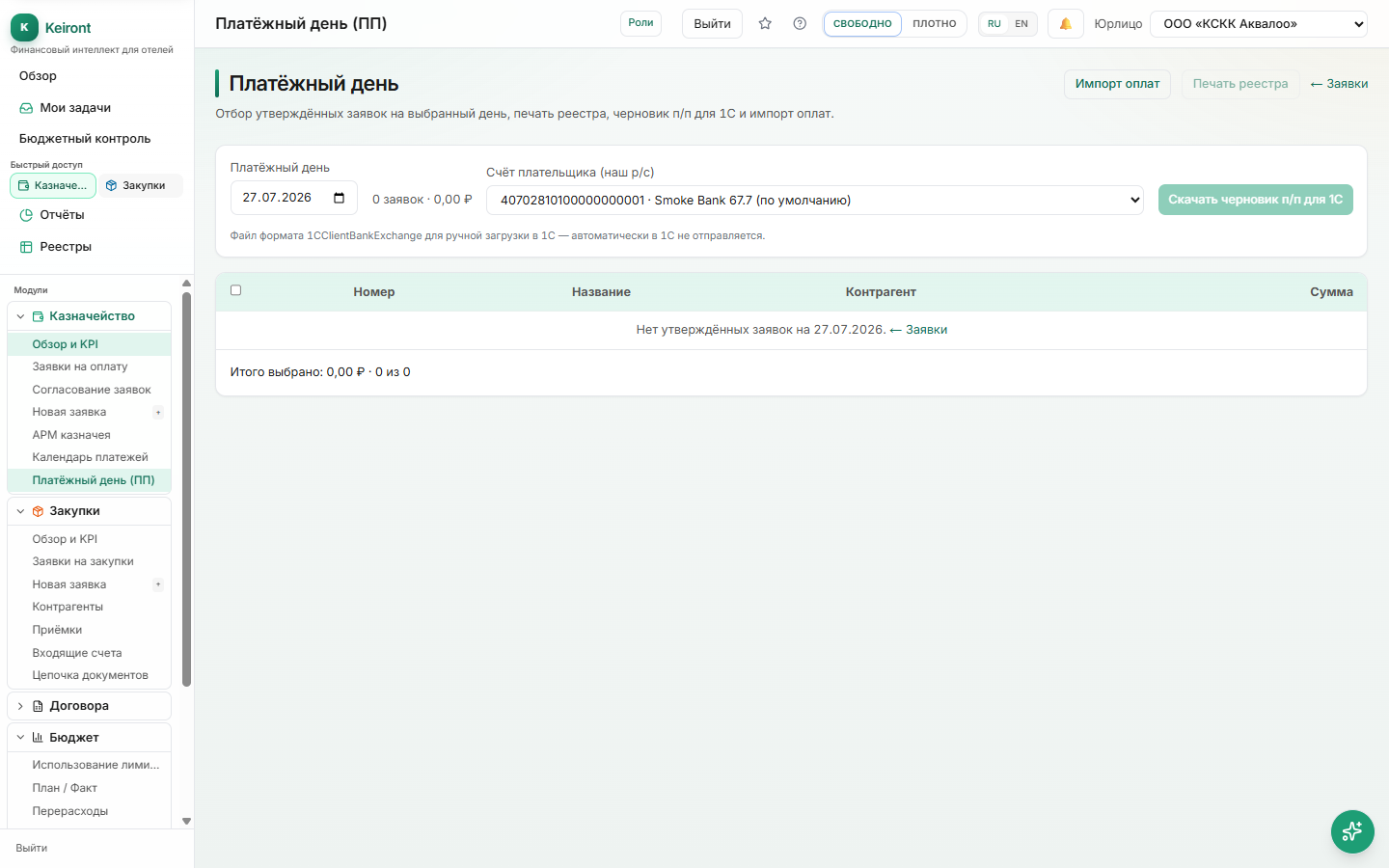
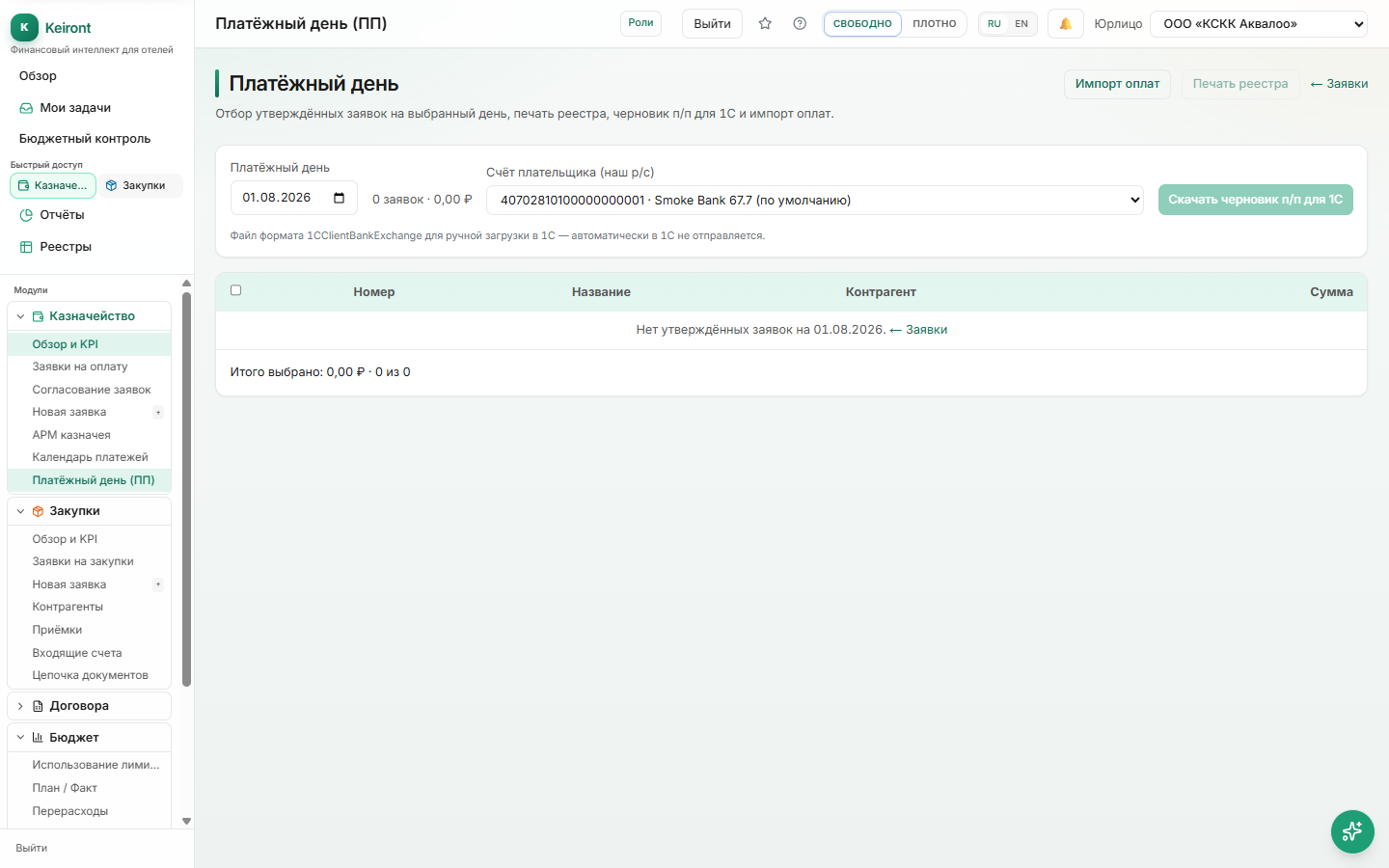
The table shows requests in "Approved" status, ready for payment, and the total amount due for the day.
Printing the Register
The "Print Register" button creates a printable form with a list of requests, total, and signature lines for the treasurer and financial director.
- Open "Treasury → Payment Day".
- Review the register contents and amount.
- Click "Print Register" and print/save as PDF.
- After actual payment, mark the request as paid (see section below).
How to mark paid
Primary path: the Payment tab on the request card — full or partial payments (multiple payment lines).
Secondary on this screen: Import payments — bulk selected rows, CSV, or match 1C bank outflows. Does not replace the card tab for a single request or partial pays.
Payment Day remains the canon for print and payment-order drafts; marking paid defaults to the card.